Login
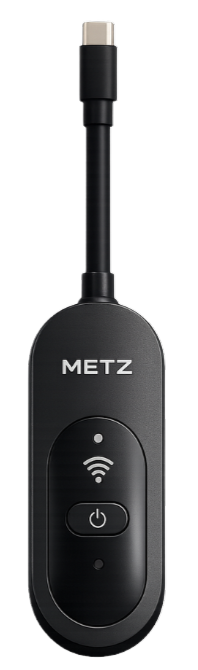
METZ
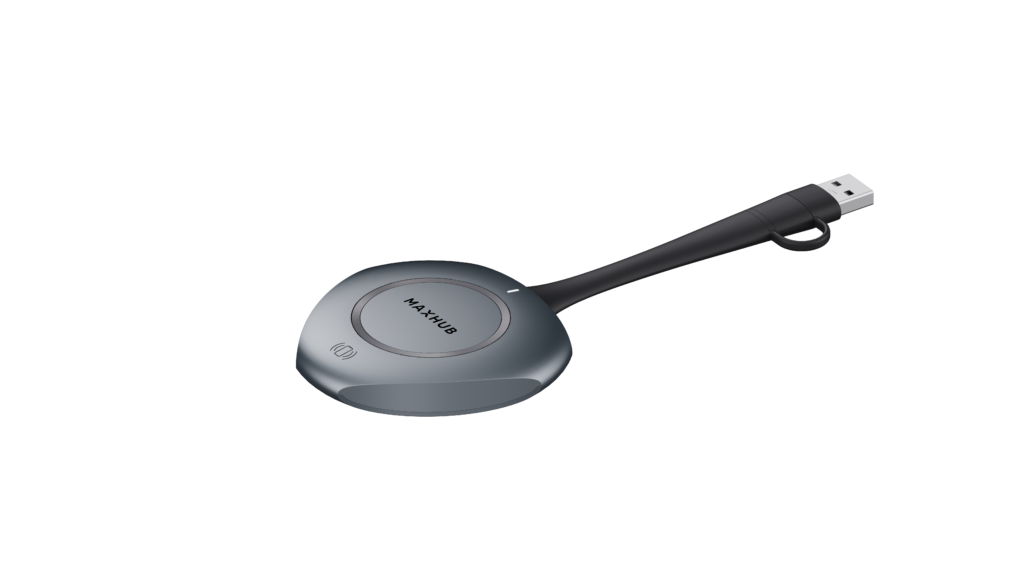
Maxhub
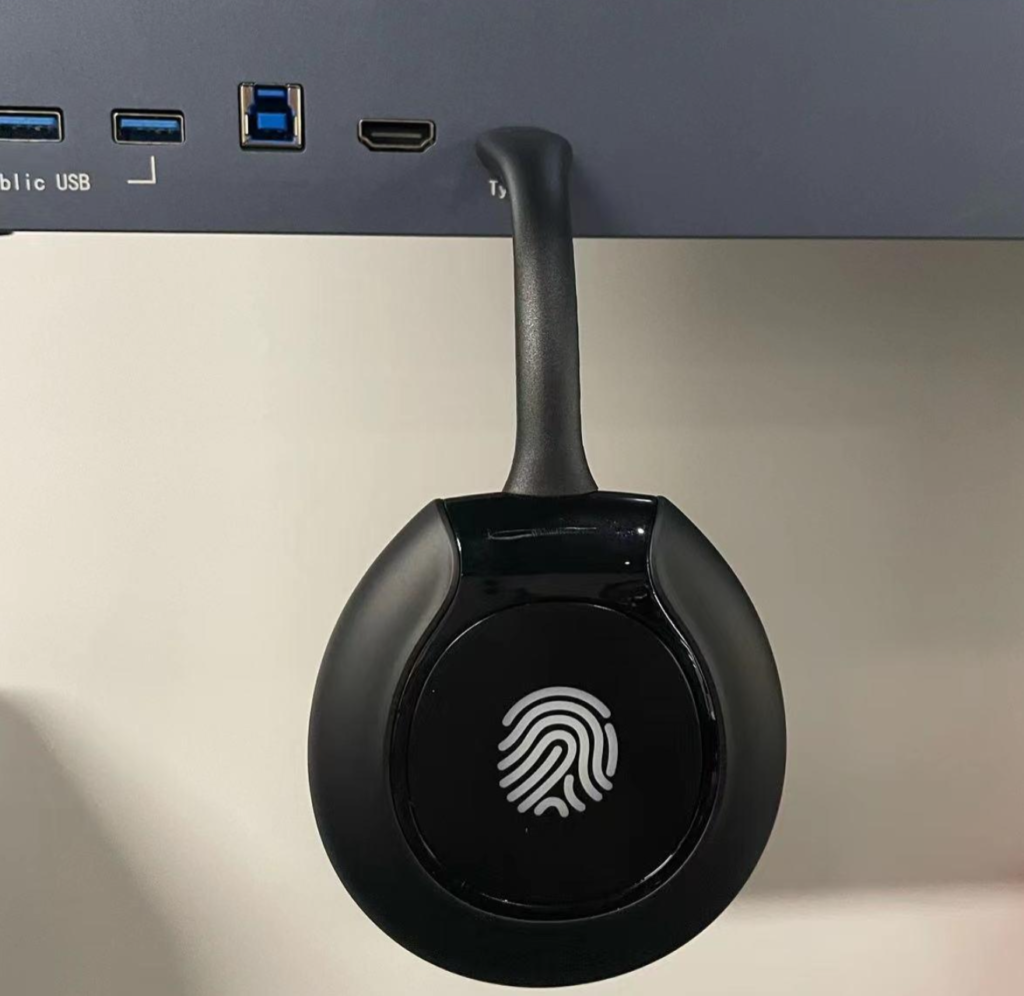
Qeoyo
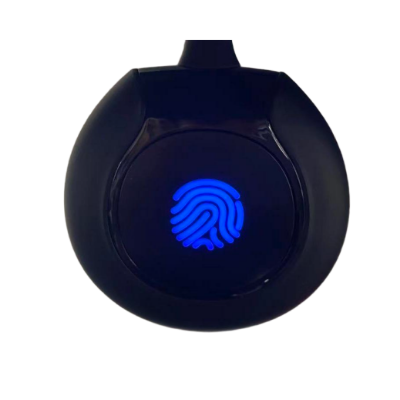
2. The indicator light will start flashing, which means the transmitter is connecting.
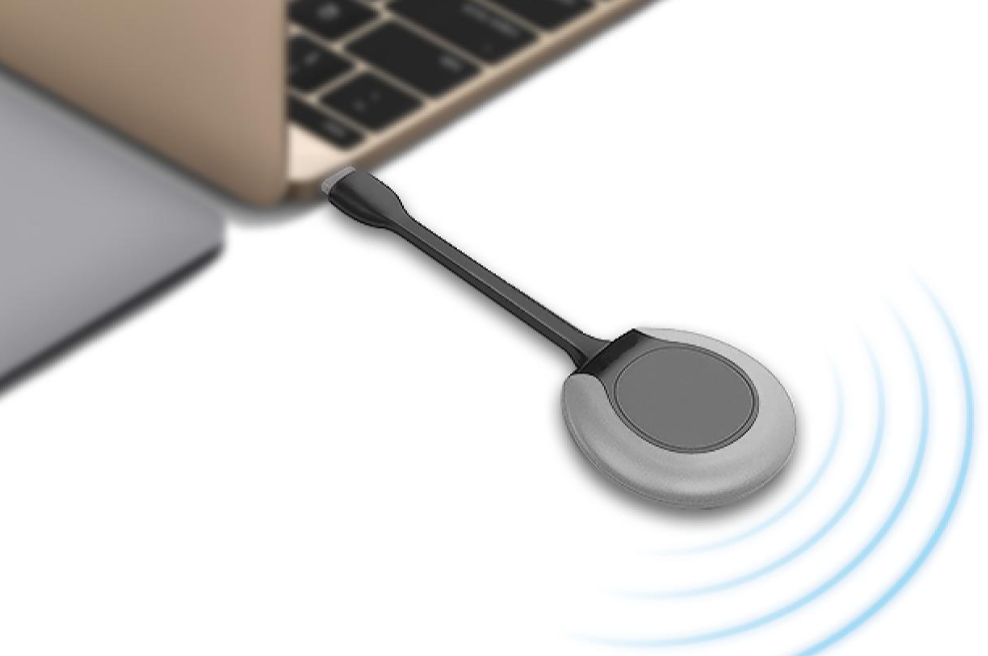
1. Connect the transmitter to your computer using the Type-C port.
2. For the first-time use, manually run the client application on your computer.
3. Wait a few seconds until the indicator light turns steady, indicating the connection is successful.
When the indicator light becomes steady or a success message appears on the panel, the pairing process is complete.
Mobile:011-1147-9833011-3758-4093
E-mail: jenny@bigshinemy.comjohn@bigshinemy.com
Address: 2B, Jalan Horizon Perdana 3, Bukit Horizon, 79100 Iskandar Puteri, Johor Darul Ta’zim
Family Site:Bigshine EnergyBigshine LEDBigshine KoreaBigshine LABigshine SingaporeBigshine WorldwideBigshine Worldwide(Korea)